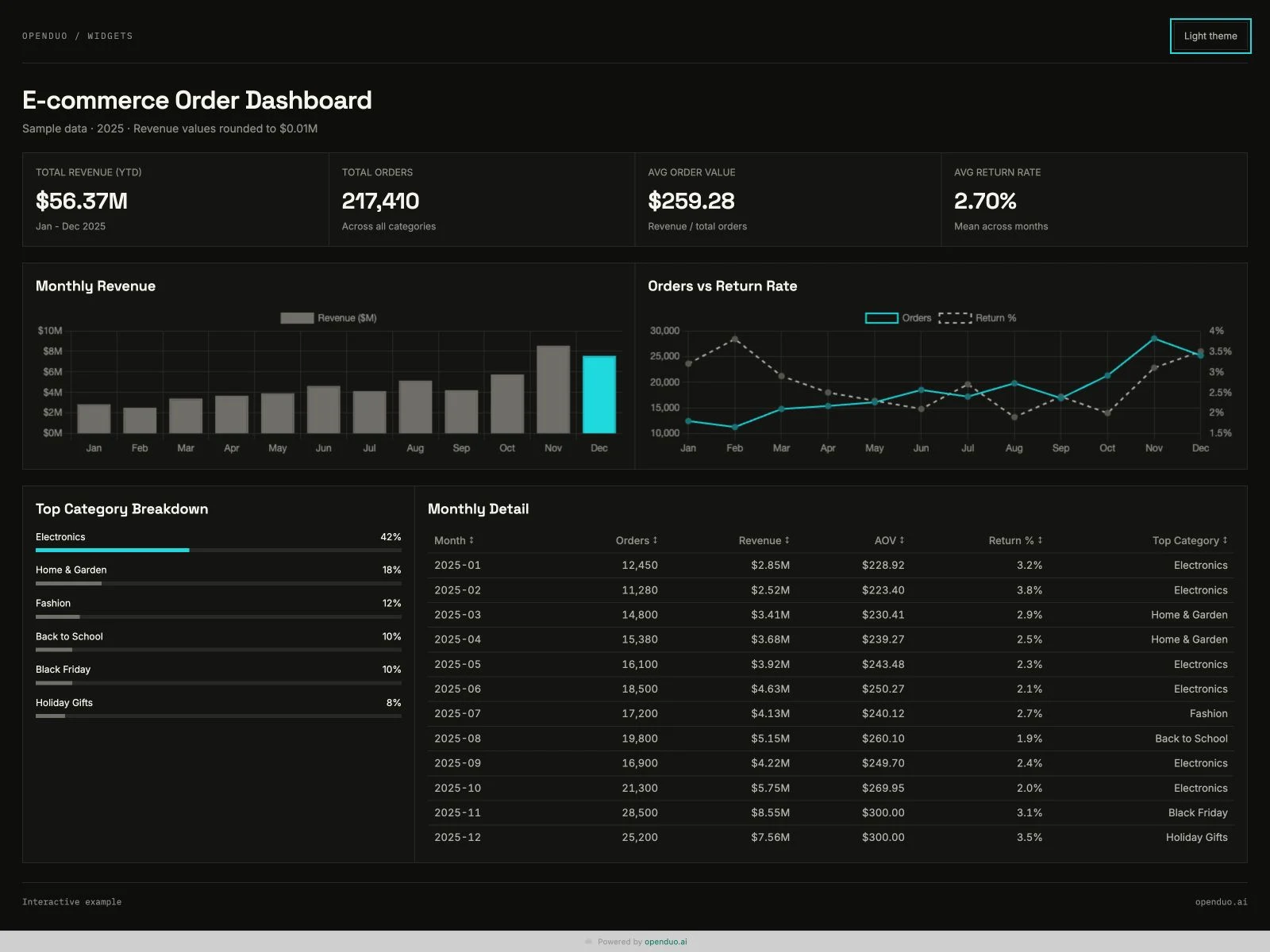
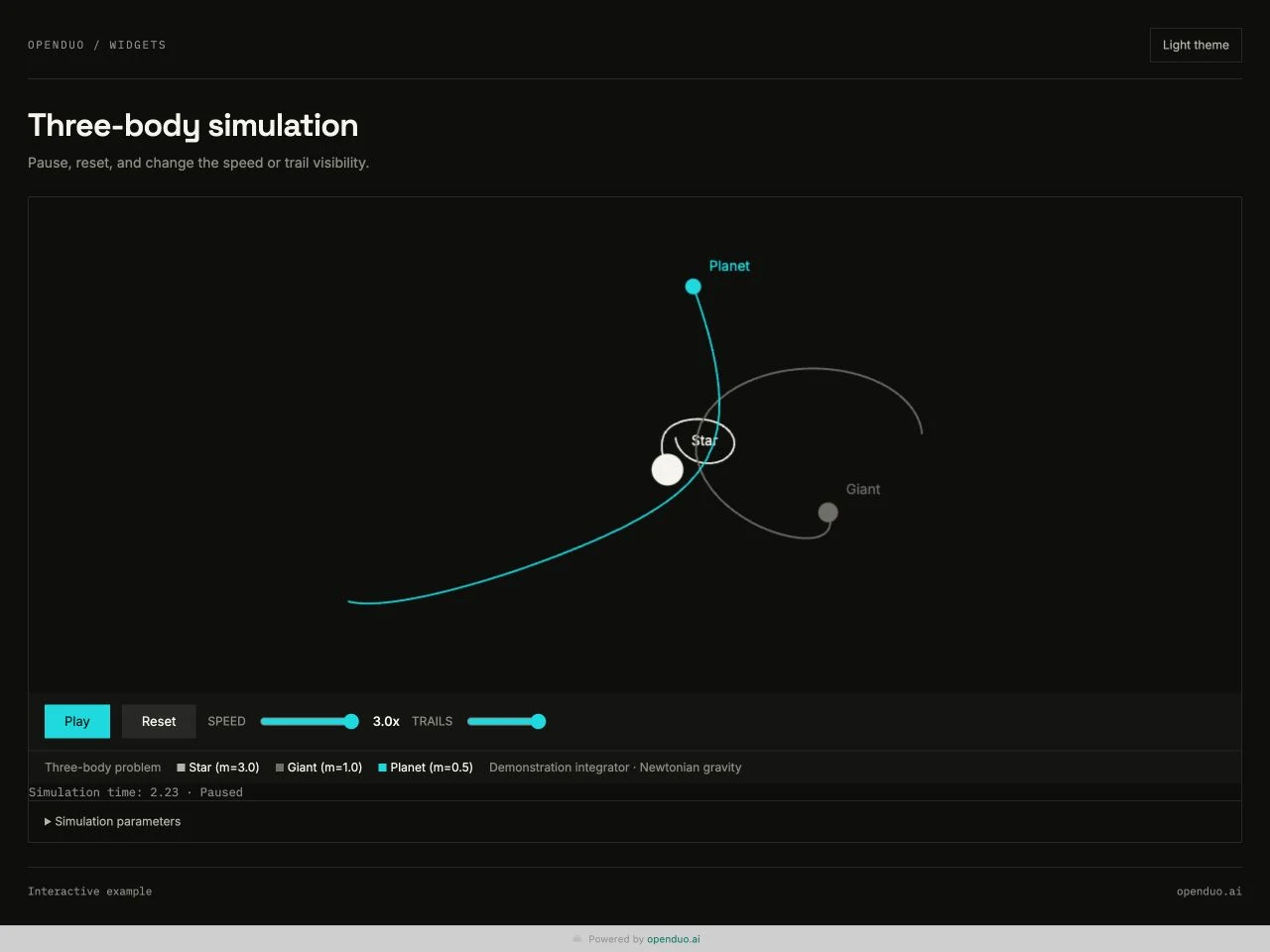
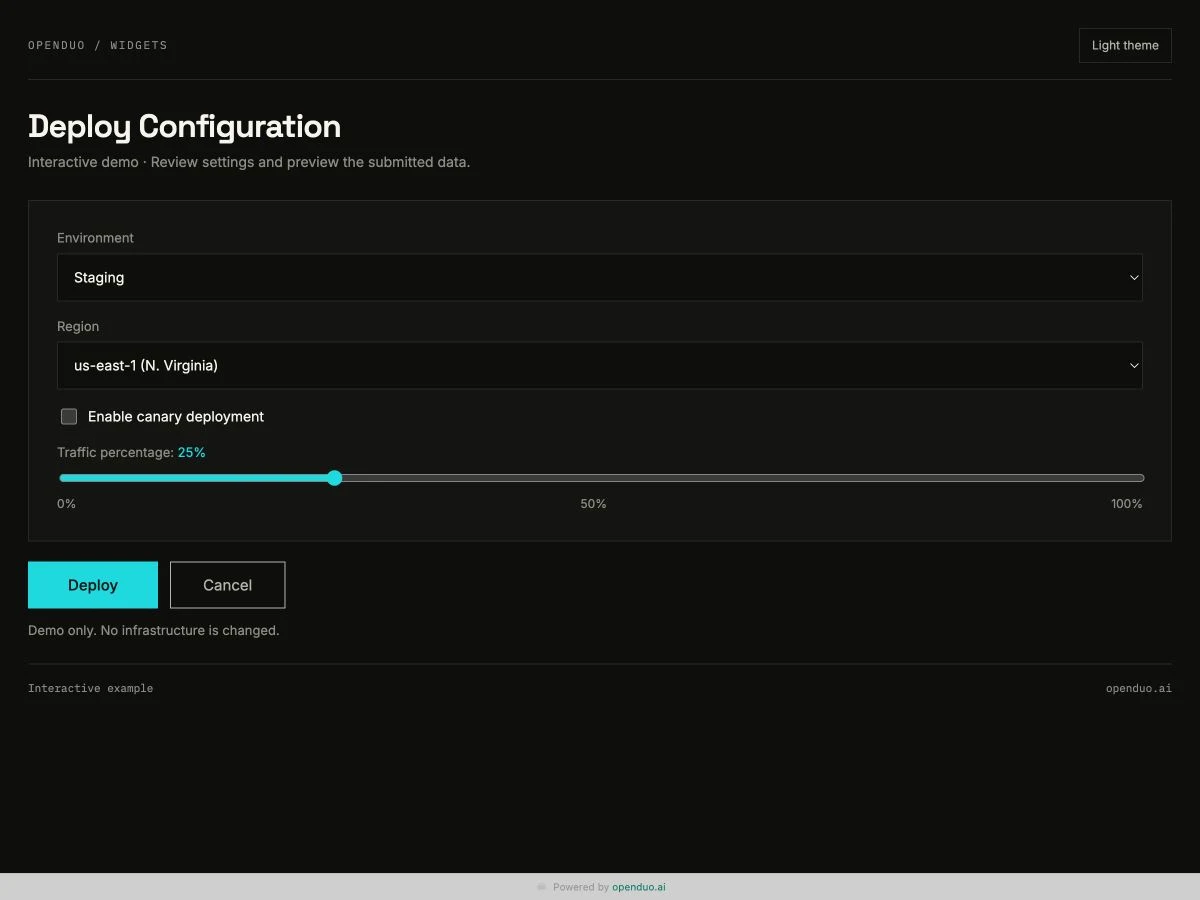
When an answer needs to be explored, changed, or filled in, turn it into a Widget. A Widget can be a dashboard, form, table, simulation, or any other page that works better than a long chat message.
Where Widgets come from#
Your DuoDuo builds a Widget when an answer needs one, with the @openduo/duoduo-widgets command line. The hosted service at aidgets.dev is ready to use without deploying a backend first.
The lifecycle#
open → update or patch → finalize → wait or inspect
opencreates a draft and returns viewer and control information.updatesends HTML or a targeted DOM patch.finalizefreezes an immutable revision.waitorgetreads structured user input when interaction is enabled.
You receive the viewer URL. The control URL and token stay with DuoDuo, so only DuoDuo can change the page.
Patch instead of repainting#
Long-lived dashboards can update one selector at a time:
[
  { "op": "text", "selector": "#status", "text": "Ready" },
  { "op": "append", "selector": "#rows", "html": "<tr><td>New row</td></tr>" }
]
Patch mode sends only what changed and keeps scripts and stable DOM state in place.
Collect structured input#
A widget can submit an action and JSON payload through the window.duoduo bridge. The agent reads the structured result with wait or get instead of parsing it out of a chat reply. Submissions are handled by the Widget service, separately from DuoDuo channel messages.
Self-host when control matters#
You can run the service on Cloudflare Workers, using Durable Objects for drafts and R2 for finished revisions. The same commands and viewer/control split apply. Ask your DuoDuo to set it up; your part is the Cloudflare account and approving the deploy.